
We plug in the USB key, start the procedure, and after twenty minutes the screen displays an error. This scenario has been experienced by thousands of Peugeot owners trying to update their GPS themselves. The problem rarely comes from the vehicle: it’s the preparation beforehand that causes issues. Understanding the technical steps and anticipating the cost of the Peugeot GPS update before diving in avoids most blockages.
Identify the navigation system before any Peugeot GPS update
Before buying anything, one must know which unit is installed in the vehicle. Peugeot has used several generations of embedded systems, and the update procedure changes completely from one type to another.
The most common models are the RT6 (also called SMEG), found in the 308, 3008, and 508 before 2016, and the NAC/NAC+, which equips vehicles produced from 2016-2017 onwards. In newer models (e-2008, 308 III), there is sometimes a connected system capable of receiving over-the-air (OTA) updates, without a USB key.
To identify the system, the most reliable method is the vehicle’s VIN number. The official Peugeot website offers a VIN input field that directly indicates the available updates and their compatibility. This step takes two minutes and avoids purchasing incompatible mapping. To better anticipate the cost of the Peugeot GPS update, this preliminary check is essential.
USB formatting and installation errors on RT6 and NAC systems

This is the point that generates the most negative feedback on forums. The USB key used to transfer the mapping must meet specific criteria, and ignoring them systematically leads to installation failure.
- The key must be formatted in FAT32, not in NTFS or exFAT. On Windows, the native formatting sometimes limits the size in FAT32: a third-party utility may be necessary for large capacity keys.
- The minimum recommended capacity is 16 GB, but some complete mapping updates require 32 GB. It’s better to plan for more from the start.
- The key must be empty before transferring the files. A simple residual file can block detection by the embedded system.
- On Mac, use Disk Utility by selecting the format “MS-DOS (FAT)” with the scheme “Master Boot Record MBR”.
Once the key is inserted into the vehicle, a message “No multimedia content” often appears at startup. This message disappears after a few seconds and does not mean that the key is defective. Removing it at this stage interrupts the procedure.
On RT6 systems, forum feedback reports a notable frequency of errors related to formatting. Feedback varies on this point, but the majority of documented failures come from a poorly prepared key rather than a software issue on the vehicle side.
Peugeot mapping update: free or paid depending on the model
The question of cost directly depends on the age of the vehicle and the type of embedded system. Peugeot has evolved its pricing policy in recent years.
For vehicles equipped with the NAC+, a free mapping update is offered once a year for the first three years following the purchase. This free update applies to downloads via USB key from the Peugeot portal. After this period, the update becomes paid through the manufacturer’s e-shop.
On older systems (RT6/SMEG, NG4), the mappings are exclusively paid. They can be found on the Peugeot e-shop or from third-party resellers, but be careful: the files must exactly match the version of the system. A mapping intended for a NAC will not work on an RT6.
Going to a dealership for an update performed by a technician adds labor costs to the price of the mapping itself. For those who do not want to handle a USB key, this is an option, but the additional cost is significant compared to the self-service procedure.
Software and mapping updates: two distinct operations on a Peugeot GPS
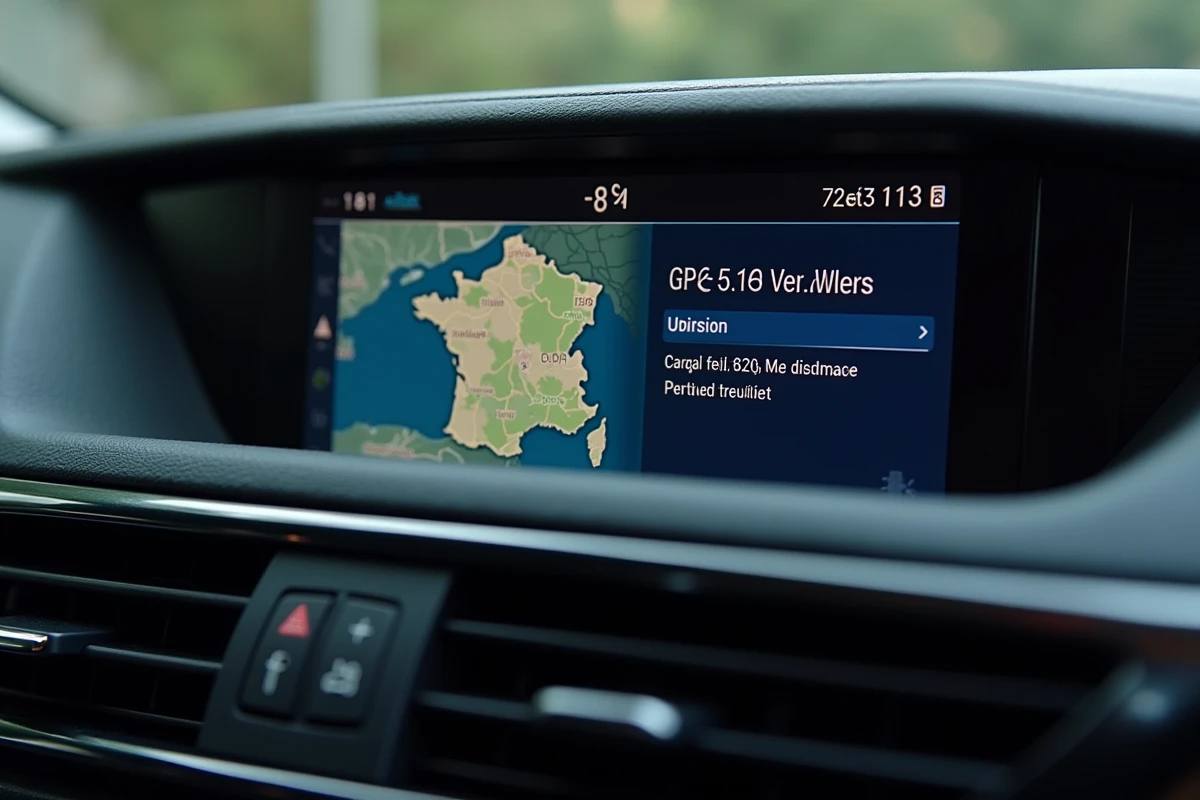
One point that many owners discover too late: the update of the system software and the mapping update are two separate things. The software manages the interface, the responsiveness of the touchscreen, and compatibility with new maps. The mapping, on the other hand, contains road data (roads, points of interest, speed limits).
Peugeot recommends performing both at the same time when the USB key allows it. On NAC systems, the procedure automatically sequences the software update followed by the mapping update if both files are present on the key.
Updating only the mapping without touching the software may work, but there is a risk of incompatibilities: freezing screens, extended route calculation times, or loss of certain functions like danger zone alerts. Conversely, updating only the software does not improve the accuracy of the maps.
Connected Peugeot vehicles: towards the end of the USB key
On the newest models, Peugeot is gradually integrating over-the-air updates. The vehicle connects via Wi-Fi or the embedded SIM card and directly downloads the new versions of mapping and software.
This operation simplifies the procedure for the owner, but it requires a stable connection and enough time with the engine off (or in accessory mode) to finalize the installation. OTA updates currently concern a limited part of the range, mainly models marketed after 2023 with the latest generation connected system.
For all other vehicles, the USB key remains the primary method of updating. Properly preparing the key, checking compatibility via the VIN, and distinguishing between software and mapping updates: these three reflexes cover almost all situations encountered in the field.